> For the complete documentation index, see [llms.txt](https://docs.simicart.com/llms.txt). Markdown versions of documentation pages are available by appending `.md` to page URLs; this page is available as [Markdown](https://docs.simicart.com/app-studio/preview.md).
# Preview
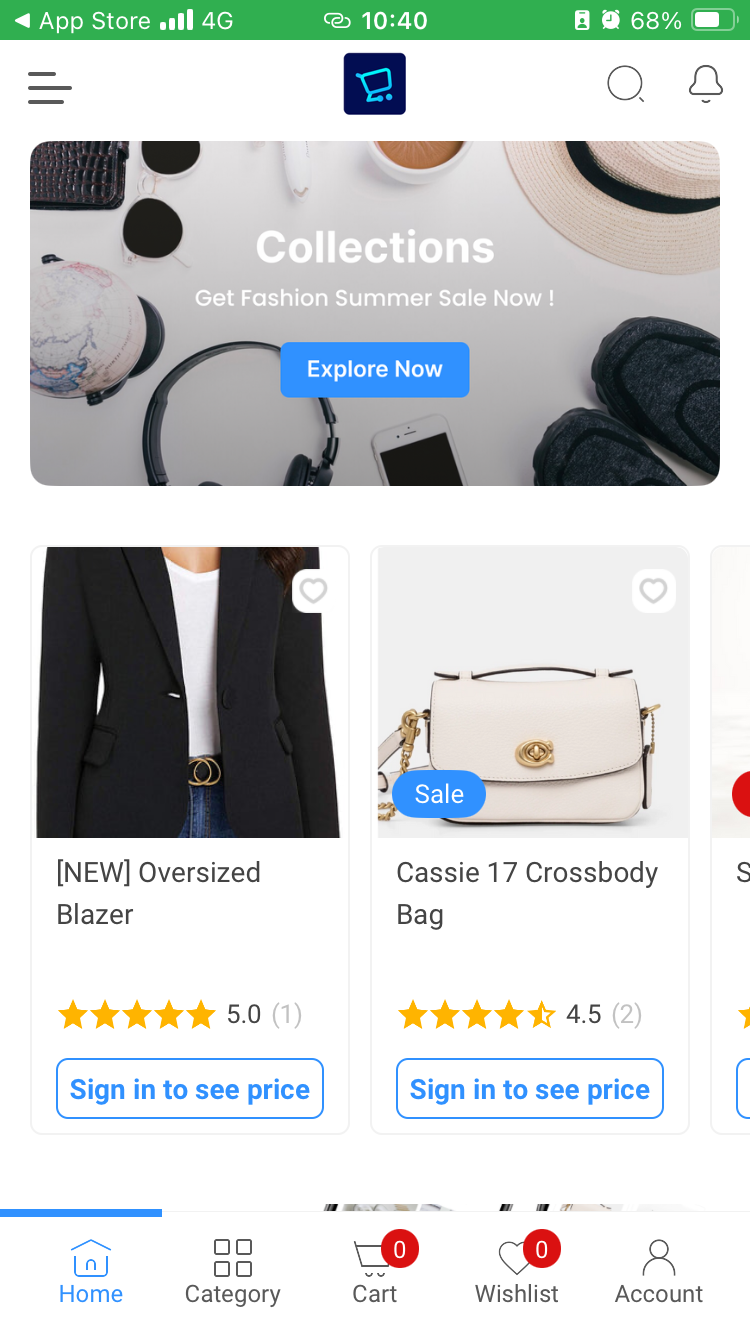
This is where you scan our QR code to preview your app. Check our step-by-step guide in the page for further details.
{% stepper %}
{% step %}
#### Download the preview app
Scan the QR code below, or access the [App Store](https://apps.apple.com/vn/app/simicart-preview/id1586328821?l=vi) or [Google Play](https://play.google.com/store/apps/details?id=com.simicart.simpify) to download the preview app.
Scan here
{% endstep %}
{% step %}
#### Open the scanner in the app
When you're in the app, open the **sidebar** menu to find and tap on **Live Store Preview**.
{% endstep %}
{% step %}
#### Scan your app draft's QR code
Using Live Store Preview, bring the phone to face your app draft's QR code and scan it. You will be prompted to open the app.
.png?alt=media)
.png?alt=media)
.png?alt=media)
.png?alt=media)